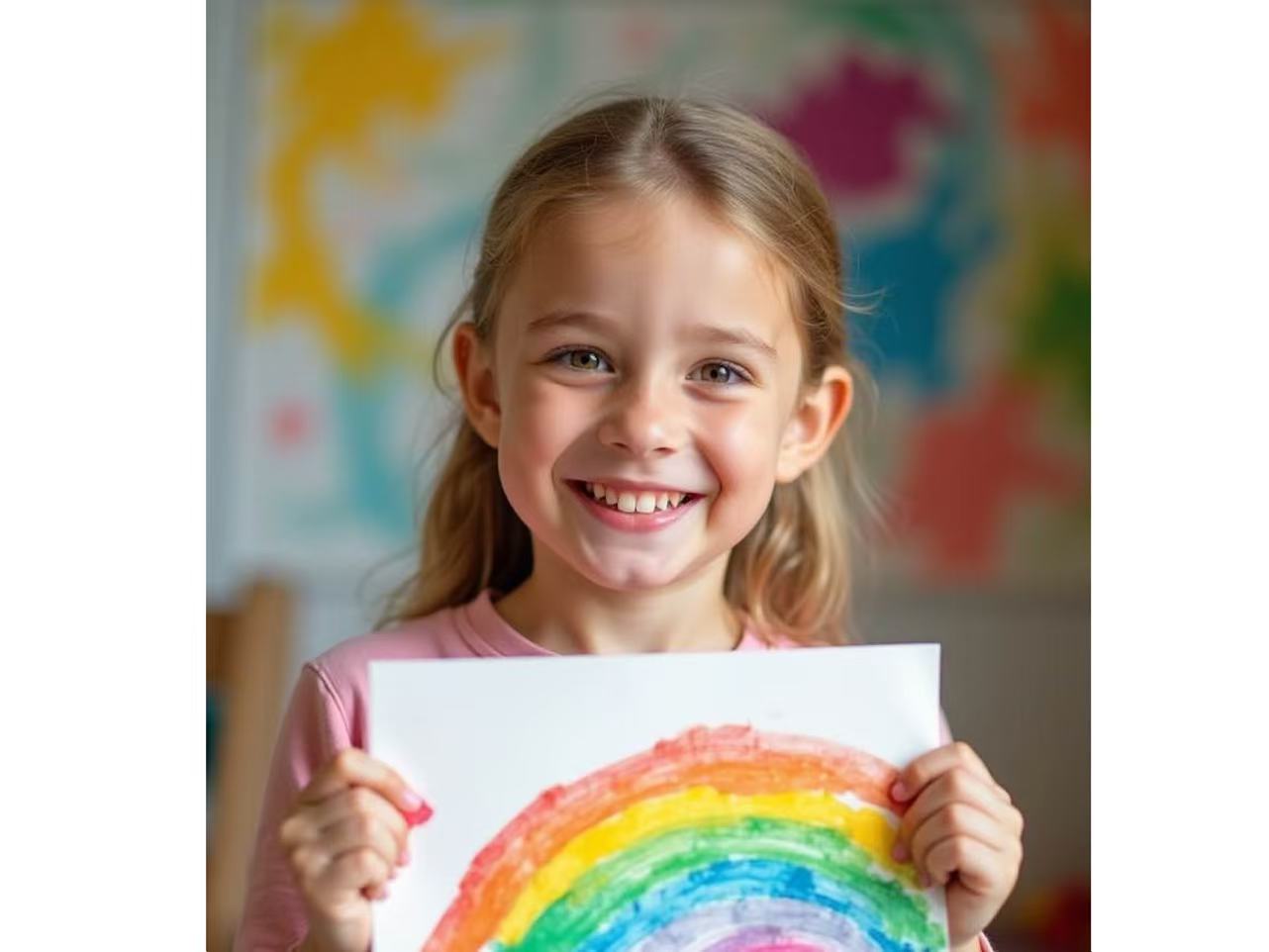
If you’re wondering how to showcase student artwork, this guide explains how art schools can turn student creations into powerful enrollment tools. One of the most powerful yet underutilized strategies is professionally showcasing student artwork — not only as celebration, but as a structured marketing tool.
When displayed effectively, student art becomes more than decoration. It becomes proof of quality, a symbol of institutional pride, and a persuasive enrollment driver.
Wallartee empowers art schools to transform student artwork into visual marketing assets — both offline and online.
In this guide, we explain how to showcase student artwork in a way that attracts more students.
Why Showcasing Student Artwork Increases Enrollment
1. Builds Student Confidence
When students see their work professionally presented, it reinforces identity and artistic growth. Confidence translates into retention and long-term engagement.
2. Strengthens Community Engagement
Public exhibitions — whether physical or digital — invite families and local communities to participate in the school’s artistic culture.
3. Creates Visible Proof of Quality
Prospective students and parents don’t enroll because of brochures.
They enroll because they see real outcomes.
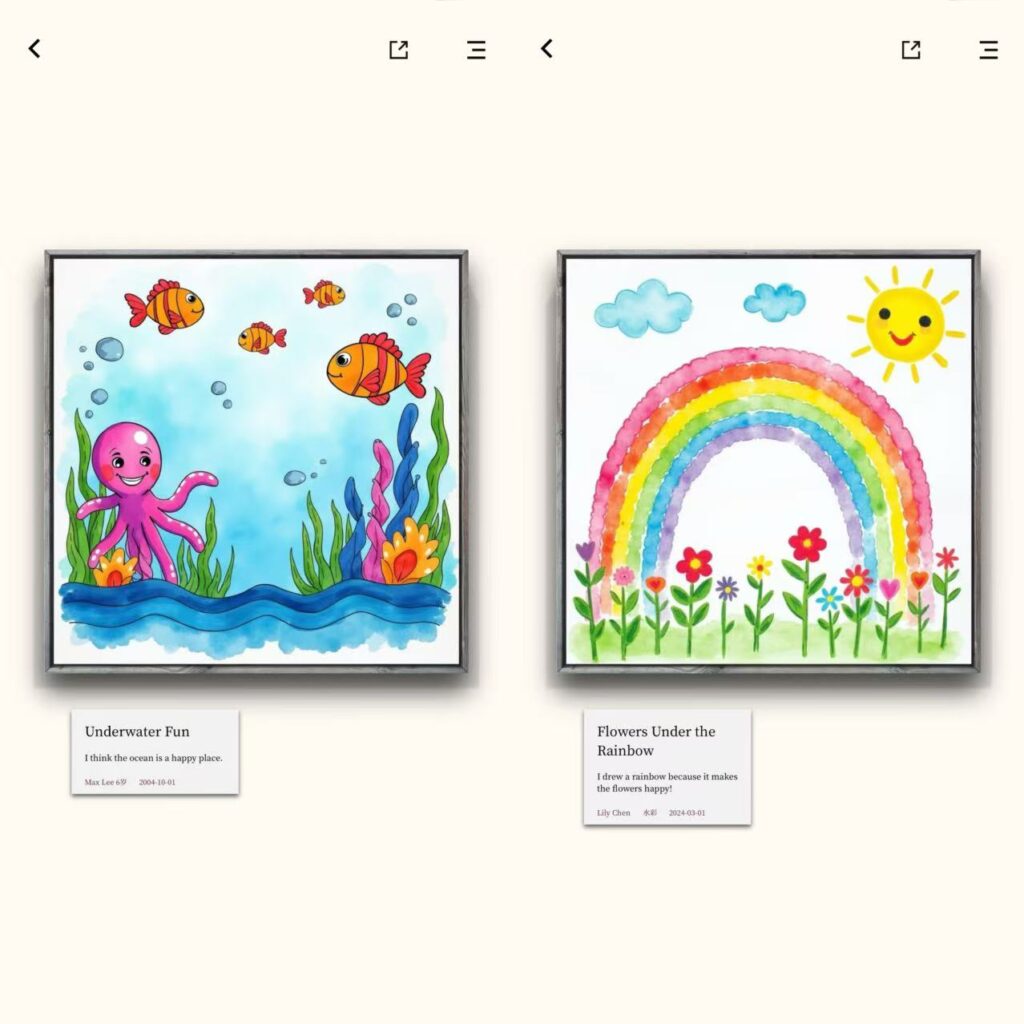
A well-presented gallery of student artwork serves as powerful social proof.
Turning Artwork Into a Marketing Asset with Wallartee
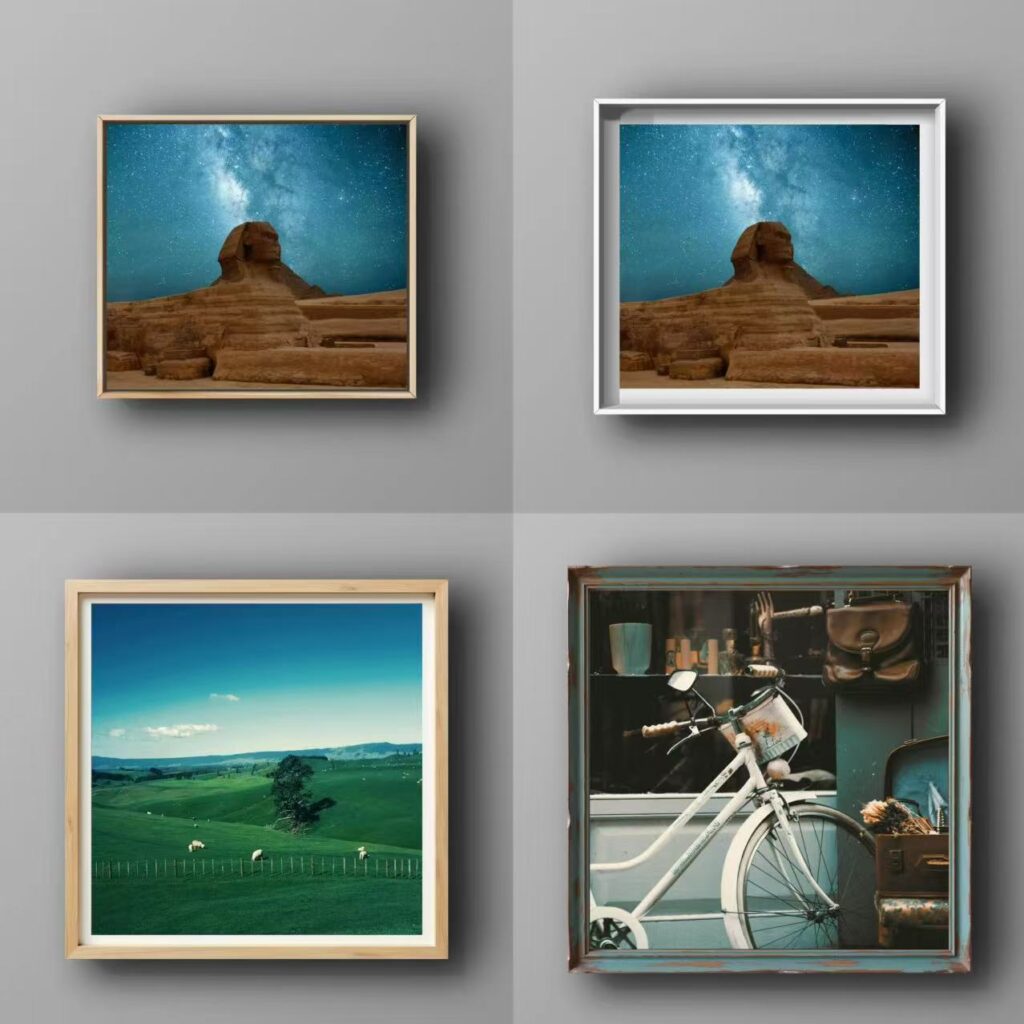
Wallartee is not just a framing tool — it is a visual amplification platform for art institutions.
1. AI Background Removal for Clean Presentation
Each artwork can be isolated and professionally presented without visual distractions. This ensures that the focus remains on artistic quality.
2. Custom Frames and Institutional Branding
Schools can:
- Add their logo to each displayed piece
- Insert custom text such as student name, grade, or exhibition theme
- Include program information
This turns every artwork into a branded communication asset.
3. QR Code Integration for Direct Enrollment Traffic
One of Wallartee’s most powerful features for institutions:
Schools can upload and place a QR code directly into the artwork presentation.
This allows:
- Exhibition visitors to scan and visit the school website
- Social media viewers to instantly access enrollment pages
- Parents to learn more about programs on the spot
Artwork becomes interactive marketing.
4. Virtual Gallery Spaces for Wider Reach
Wallartee enables schools to create immersive virtual exhibitions.
These can be:
- Shared on social media
- Embedded on school websites
- Sent via email campaigns
Instead of limiting exhibitions to physical attendees, institutions can expand reach exponentially.
Case Example: Large-Scale Student Exhibitions
Many districts host annual K–12 art shows featuring hundreds of works and attracting thousands of visitors.
When properly documented and digitally presented, these events can continue generating engagement long after the physical exhibition ends.
By integrating branding, QR codes, and shareable layouts, schools convert exhibitions into long-term promotional assets.
A New Model: Exhibition as Enrollment Funnel
Traditional exhibitions:
Display art → Visitors admire → Event ends.
With Wallartee:
Display art → Brand visible → QR scanned → Website visited → Enrollment inquiry.
The artwork becomes the entry point into the school’s ecosystem.
Conclusion
In today’s competitive education landscape, visibility and differentiation matter.
By leveraging Wallartee’s capabilities — including AI background refinement, customizable branding, QR code integration, and virtual gallery creation — art schools can transform student artwork into a strategic marketing channel.
Showcasing art is no longer just celebration.
It is enrollment strategy.
Leave a Reply